Hey fellow gamers! Have you ever felt that nagging eye strain after a long gaming session? I know I have! It's frustrating when you're trying to immerse yourself in a game, but your eyes are screaming for a break. I've been on a quest to find ways to minimize eye strain while still enjoying my favorite hobby. This is my journey, and I hope it helps you too!
It all started a while back when I noticed my eyes were getting tired more quickly than usual. I thought maybe I was just getting old (aren't we all?), but it was more than that. After just an hour of gaming, especially on my desktop PC, I would feel a burning sensation and sometimes even get headaches. It was really impacting my enjoyment of games. I realized I needed to do something about it. The eye strain was real, and it was affecting my gameplay.
I tried different things, from adjusting my monitor settings to taking more frequent breaks. Nothing seemed to completely solve the problem. I noticed that the type of screen I used mattered a lot. My desktop PC has a 144Hz TN panel, and it seemed to be the biggest culprit. Interestingly, I could use my laptop with an OLED panel for hours without any issues. It made me wonder if the panel technology was a key factor.
One of the first things I tried was adjusting the lighting in my room. I realized that staring at a brightly lit display in a dark room was a recipe for disaster. It fatigued my eyes and gave me headaches. Now, I make sure to have some ambient light in the room, which helps to reduce the contrast between the screen and the surroundings. I also discovered the importance of taking breaks. I use the Pomodoro Technique and take short breaks every 25 minutes to look away from the screen and focus on something in the distance.
I also decided to invest in some computer glasses. I'd heard they could help reduce eye strain by filtering out blue light. I tried both clear and yellow-tinted glasses. While they did offer some relief, the real game-changer was combining them with other strategies. I've found that staying hydrated is incredibly important. Dehydration can lead to dry eyes, which can worsen eye strain. I make sure to drink plenty of water throughout the day, and I also use artificial tears (the non-Visine type!).
Speaking of glasses, I wear them all the time anyway, so I decided to splurge on a full lens coating treatment. I'm really happy I did! It's made a noticeable difference in reducing glare and improving clarity. I also tried something else that made a big difference: an LED backlight strip for my monitor. It was easy to install and provides a soft, white backlighting that reduces the harshness of the screen. I specifically avoided the RGB ones because I didn't want any distracting colors.
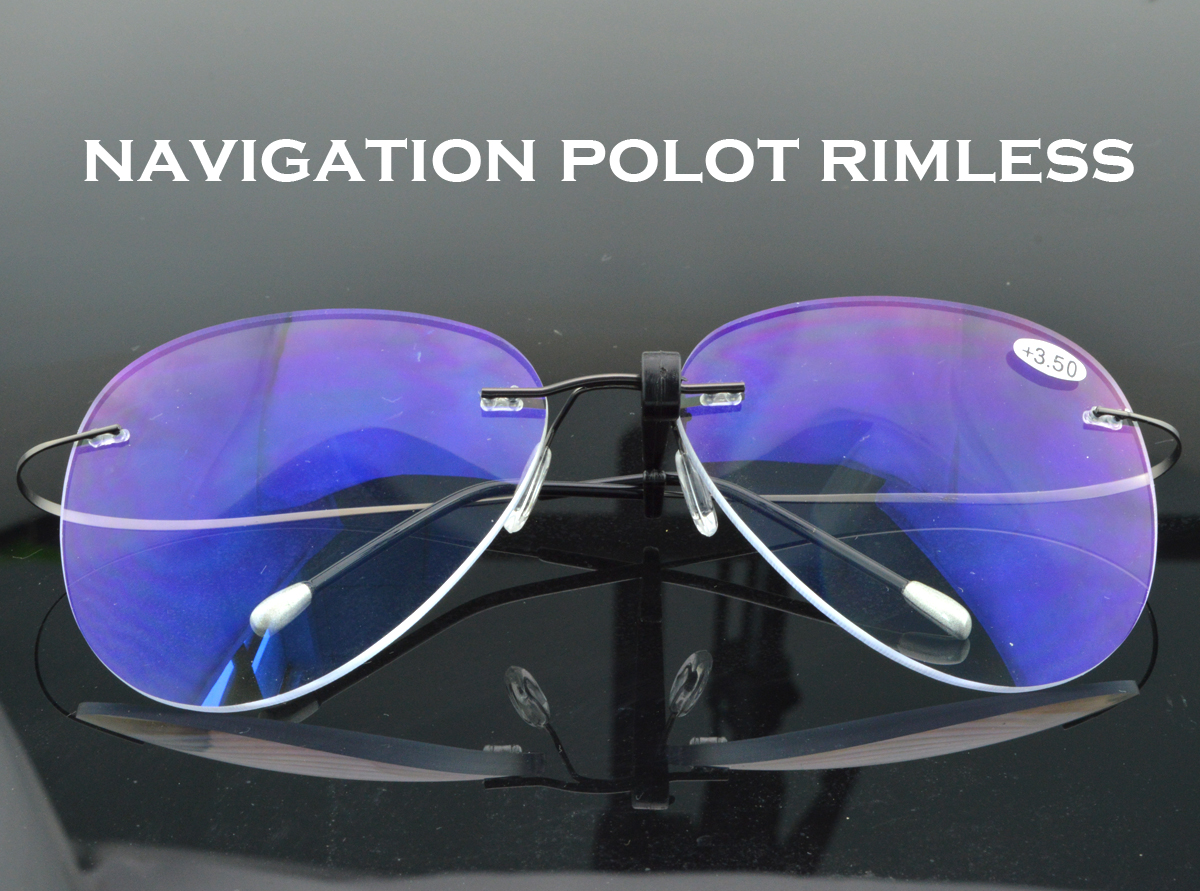
While researching different options to help with eye strain, I came across homepage, a brand that offers a variety of high-quality eyewear. I was particularly intrigued by their reading glasses. I started exploring their selection because I needed something that could help me focus better during long gaming sessions. That's when I stumbled upon the Large Size Pilot Oval Super High Quality Reading Glasses from CLARAVIDA America.
These reading glasses really caught my eye (pun intended!). The large size and oval shape appealed to me, and the metal frame seemed durable. I decided to give them a try. I opted for a lower magnification because I mainly wanted something to help reduce eye strain and improve focus at close range while gaming. And I have to say, I've been pleasantly surprised. I like the fact that visit website to check out the different styles! The clarity is excellent, and the frame is comfortable to wear for extended periods. They've become a valuable addition to my gaming setup. It's been a simple, yet effective solution in helping me to manage eye strain.
Based on my experience, here are some practical tips that can help you reduce eye strain while gaming: